
Google Business Profile Setup for Chandigarh Shops & Clinics (Step-by-Step Guide)
28 Nov 2026
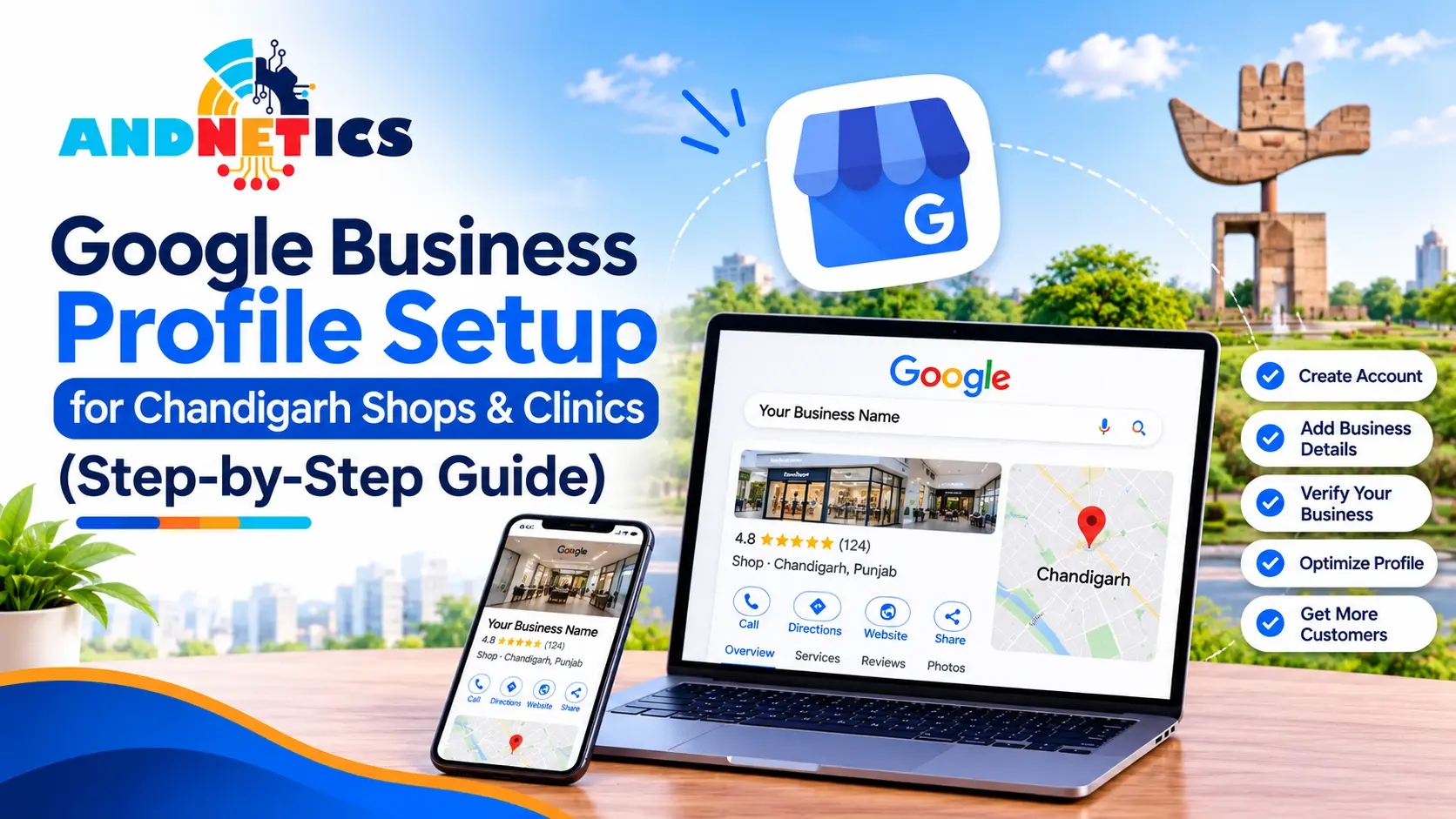
Introduction
Every day in Chandigarh, hundreds of people open Google and type things like "best clinic near me", "dentist in Sector 35", or "grocery store open now in Chandigarh". The businesses that show up at the top of those results — the ones with a map, a star rating and a phone button — are the ones getting the calls, the walk-ins and the bookings. The rest stay invisible.
That top block on Google is powered by one free tool: the Google Business Profile (earlier called Google My Business). If you run a shop, clinic, salon, café or any local business in Chandigarh, Mohali, Zirakpur, Panchkula or Kharar, this profile is the single most powerful way to get found by nearby customers — and it costs nothing to set up.
This step-by-step guide walks you through creating, verifying and optimising your Google Business Profile so your business appears in the Chandigarh local map pack and starts bringing in real customers. No jargon, no fluff — just the exact steps.
What Is a Google Business Profile (and Why Chandigarh Businesses Need One)
A Google Business Profile is your free business listing on Google. When someone searches for your business — or for a service you offer near them — your profile can appear on Google Search and Google Maps, showing your name, address, phone number, hours, photos, reviews and a direct route to your door.
For a local business in Chandigarh, this profile does three big things:
- Gets you into the "Map Pack": The top 3 businesses shown on a map for local searches (like "clinic in Chandigarh") get the vast majority of clicks and calls. Your profile is your ticket into that pack.
- Builds instant trust: A complete profile with photos, star ratings and reviews makes a new customer far more likely to choose you over an empty or missing listing.
- Drives real actions: Customers can call you, get directions, visit your website, or message you — directly from the profile, without even visiting your website.
In short: if you serve customers in and around Chandigarh, a Google Business Profile is not optional. It is where your next customer is already looking.
What You Need Before You Start
Gather these before you begin — it makes the whole setup take just 15 minutes:
- A Google account (a Gmail ID). Use a business email you will keep long-term, not a personal one you might lose access to.
- Your exact business name — the real name on your signboard, nothing extra stuffed in.
- Your full business address in Chandigarh (or Mohali / Zirakpur / Panchkula / Kharar), exactly as it appears on official documents.
- A local phone number customers can actually reach you on.
- Your business hours, including any lunch breaks or weekly off days.
- Your main business category (for example, Dental clinic, Grocery store, Beauty salon).
- 5–10 good photos — your storefront, interior, team, products or services.
- Your website or social media link (if you have one — it is fine if you do not yet).
Step-by-Step: Setting Up Your Google Business Profile
Step 1: Go to the Google Business Profile page
Open your browser and go to google.com/business, then click Manage now and sign in with your Google account. You can also set it up right from Google Maps or Google Search by searching your business name and clicking "Claim this business" if it already appears.
Step 2: Enter your business name
Type your exact business name. If Google suggests an existing listing with the same name, select it to claim it instead of creating a duplicate. Never create a second profile for a business that already exists — duplicates get suspended.
Step 3: Choose your business category
Pick the category that best describes what you do, for example Dental clinic, Restaurant, Clothing store or Beauty salon. This is one of the most important ranking signals, so choose the most accurate primary category. You can add more categories later.
Step 4: Add your location
If customers visit you (a shop or clinic), choose Yes and enter your full Chandigarh address. Place the map pin exactly on your door. If you only serve customers at their location (like a home-service business), you can choose to hide the address and set a service area instead — for example, Chandigarh, Mohali, Zirakpur, Panchkula and Kharar.
Step 5: Add your contact details
Enter your local phone number and website. Keep your Name, Address and Phone number (NAP) exactly consistent with what appears on your website and other directories — even small differences can hurt your local ranking.
Step 6: Verify your business
Google needs to confirm your business is real. Depending on your business, verification may be by postcard (a code mailed to your address), phone, email, or video. Choose the option offered, complete it, and enter the code. Your profile will not appear publicly until it is verified, so do not skip this.
Step 7: Complete every section
Once verified, fill in everything: business hours, description, services or menu, products, opening date, and attributes (like wheelchair accessible or free Wi-Fi). A 100% complete profile ranks higher and converts better than a half-filled one.
How to Optimise Your Profile to Rank Higher in Chandigarh
Setting up the profile is only half the job. To actually rank in the Chandigarh map pack, optimise it like this:
- Use a keyword-rich business description. Naturally mention what you do and where, for example: "A family dental clinic in Sector 35, Chandigarh offering painless root canals, braces and teeth whitening." Do not keyword-stuff — write it for humans.
- Pick the right primary category + relevant secondary categories. Your primary category carries the most ranking weight. Add secondary ones for every real service you offer.
- Add all your services or products with short descriptions. This helps you show up for specific searches like "teeth whitening in Chandigarh".
- Upload high-quality photos regularly. Profiles with fresh photos get significantly more clicks and calls. Add your storefront, interior, team and work. Aim to add a few new photos every month.
- Post weekly updates. Use Google Posts to share offers, new services, festival greetings or news. Active profiles rank better and look alive to customers.
- Fill in the Q&A section. Add your own frequently asked questions and answers before customers ask them.
- Keep NAP consistent everywhere. Your Name, Address and Phone number must match exactly across your website, JustDial, Sulekha, Facebook and every other listing. Inconsistency confuses Google and lowers rankings.
- Enable messaging and keep hours updated, especially during festivals and holidays, so customers always get the right information.
How to Get and Manage Reviews
Reviews are the second biggest local ranking factor after your profile completeness — and they are what convinces a new customer to pick you. Here is how to build them:
- Just ask. The simplest way to get reviews is to ask happy customers at the right moment — right after a good visit, treatment or purchase.
- Share your review link. Google gives you a short review link in your profile. Put it in a WhatsApp message, an SMS, a bill, or a QR code at your counter so leaving a review takes 10 seconds.
- Reply to every review — good and bad. Thank happy customers by name. Respond to negative reviews calmly and professionally; it shows future customers you care. Google rewards profiles that engage.
- Never buy fake reviews. Fake reviews get detected and can get your profile suspended. Slow, genuine reviews always win.
- Aim for a steady flow. Ten reviews a month beats fifty in one week and then silence. Consistency signals an active, trusted business.
For a Chandigarh clinic or shop, even reaching 20–50 genuine 4–5 star reviews can move you ahead of competitors who have ignored this completely.
Common Mistakes Chandigarh Businesses Make
Avoid these and you will already be ahead of most local competitors:
- Never verifying the profile — an unverified profile does not show publicly, so all the setup effort is wasted.
- Keyword-stuffing the business name (e.g. "Best Cheap Dental Clinic Chandigarh Sector 35"). This violates Google's rules and risks suspension. Use your real name only.
- Inconsistent NAP across the website, JustDial and Facebook — this quietly kills local rankings.
- No photos, or outdated photos — empty profiles look abandoned and lose customers to competitors.
- Ignoring reviews — not asking for them, and not replying to them.
- Creating duplicate profiles for the same business — always claim the existing one instead.
- Wrong hours during festivals — a customer who drives to a closed shop rarely comes back.
- Setting it up once and forgetting it — Google rewards profiles that stay active with posts, photos and replies.
Frequently Asked Questions
Is a Google Business Profile free in Chandigarh? Yes. Creating and managing a Google Business Profile is completely free. You only pay if you choose to run Google Ads, which is separate and optional.
How long does it take to rank in the Chandigarh map pack? Most businesses start appearing within a few weeks of verification, but strong map pack rankings usually build over 2–3 months with consistent reviews, posts and photos.
Can a clinic without a physical waiting area still list on Google? Yes. If you do not serve walk-in customers at an address, you can hide the address and set a service area covering Chandigarh, Mohali, Zirakpur, Panchkula and Kharar instead.
How many reviews do I need to rank well? There is no fixed number, but a steady stream of genuine reviews with replies matters more than a one-time burst. For most local Chandigarh businesses, 20–50 real reviews make a visible difference.
What is the difference between Google My Business and Google Business Profile? They are the same thing. Google renamed Google My Business to Google Business Profile. You now manage it directly from Google Search and Maps.
Can I manage my profile from my phone? Yes. You can create, edit, post, reply to reviews and add photos directly from Google Search or Google Maps on your phone — no separate app needed.
Get Your Business Found in Chandigarh
A fully set-up and optimised Google Business Profile is the fastest, cheapest way for a Chandigarh shop or clinic to start getting calls, walk-ins and bookings from nearby customers. Set it up, verify it, keep it active with photos, posts and reviews — and watch your business climb the local map pack.
If you would rather have experts handle the setup, optimisation and ongoing management — along with reviews, local SEO and a fast, SEO-ready website — Andnetics helps businesses across Chandigarh, Mohali, Zirakpur, Panchkula and Kharar get found and grow online.
👉 Ready to dominate local search? Get in touch with Andnetics for a free Google Business Profile audit and a digital marketing plan built for your local business.
Comments (0)